Traffic slows down. Leads drop. Pages feel heavy. Things start breaking.
Because of this, most people assume the site looks outdated.
I’ve worked on hundreds of WordPress sites. In reality, this conclusion is usually wrong.
In many cases, the real problems have very little to do with how the site looks. Instead, they come from deeper structural issues that quietly accumulate over time.
A WordPress site is not just a visual layer. It’s a system, not just a design.
Themes, plugins, custom code, servers, databases, and integrations all play a role.
When the system isn’t solid, things start breaking.
However, colors, fonts, and layout aren’t the problem.
More often, issues come from unmanaged plugin sprawl.
They also come from poorly written custom code, fragile theme dependencies, or inconsistent update practices.
In addition, they come from hosting that can’t support growth.
A redesign placed on top of this kind of foundation does not fix the system. Instead, it only changes how the problems look.
Unreliable websites create hidden costs.
For example, teams lose confidence in the site. Marketing hesitates to launch campaigns.
As a result, content updates slow down.
Eventually, everyone worries something might break.
Over time, the website stops feeling like an asset and starts feeling like a risk.
Reliability changes that dynamic.
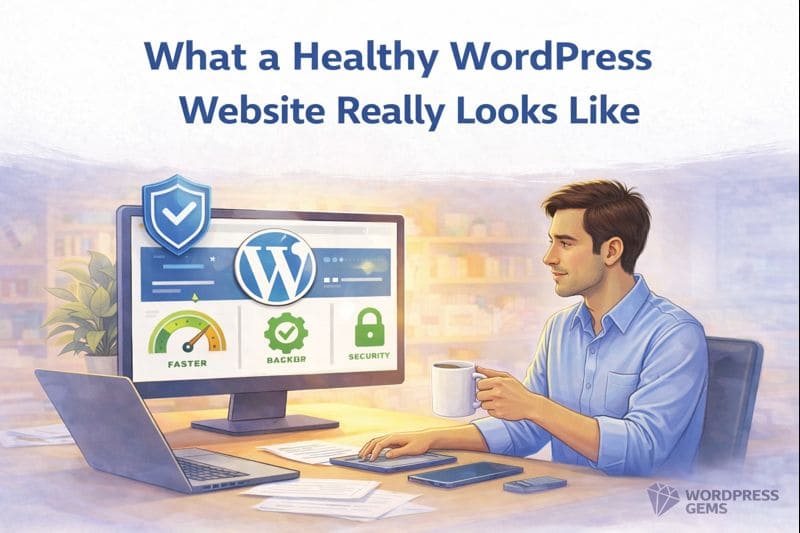
A reliable WordPress site behaves predictably. Updates are routine, not scary. Performance is consistent. Issues are rare and easy to trace.
Because of this, stability creates space for growth.
Every plugin adds complexity. Therefore, too many overlapping plugins increase the chances of conflicts and performance problems.
Use only what you actually need. Prefer well-maintained, reputable plugins. Remove anything that no longer serves a clear purpose.
Always test updates in staging.
When updates are controlled, they don’t feel risky anymore.
Backups and rollbacks make that possible.
Performance depends on hosting quality, PHP version, database health, caching, and code efficiency.
Front-end optimizations help.
However, most performance gains come from the infrastructure layer.
Design matters.
However, reliability comes first.
If the foundation is weak, rebuilding visuals won’t fix it. Strengthening the system will.
A stable WordPress site may feel boring.
That’s a good thing.
Boring means predictable.
Predictable means dependable.
Dependable sites support growth.
Not sure if your site needs a redesign or better reliability?
Start with a technical audit.
So, if your agency is currently evaluating its WordPress tech stack or facing builder performance challenges, now is the ideal time to audit your workflow and standardize your toolkit for 2026.
Book A Call Now:
https://wordpressgems.com/
 WordPress Gems