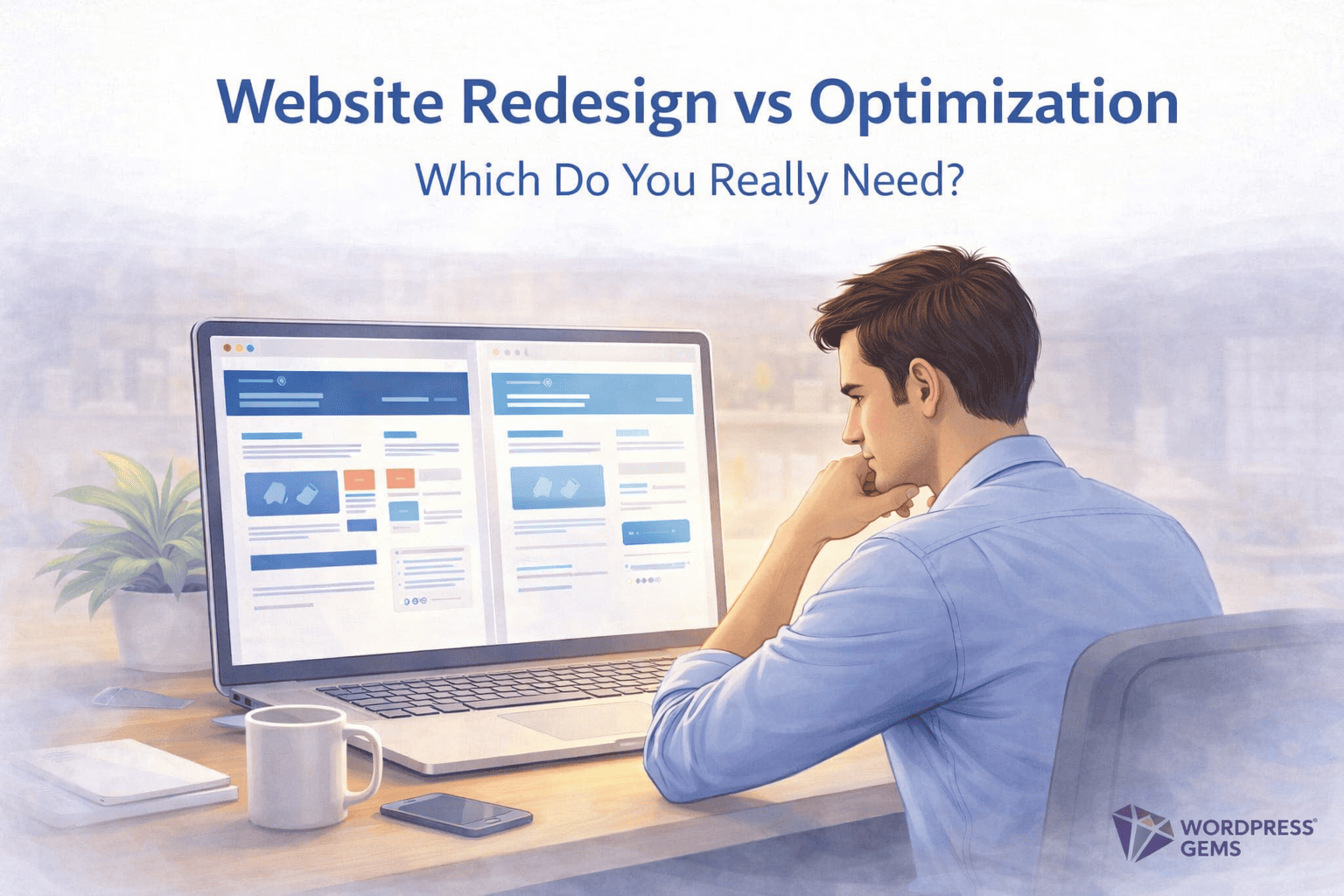
When a website stops performing, most businesses reach the same conclusion — it’s time for a redesign.
Pages feel slow. Leads decline. Engagement drops.
However, in many cases, the design isn’t the real issue.
Over time, websites quietly accumulate performance, maintenance, and structural problems. And while a redesign may look like progress, it often masks deeper issues instead of solving them.
So before rebuilding everything, it’s important to understand what your website actually needs.
A website redesign focuses on appearance.
Website optimization focuses on performance, stability, and usability.
As a result, many WordPress websites struggle not because they look outdated, but because they’ve been neglected behind the scenes. Old plugins, bloated themes, inefficient hosting, and rushed fixes slowly pile up.
Eventually, the site becomes harder to update, slower to load, and less reliable — even if the design still looks fine.
From a business perspective, redesigns are expensive and time-consuming.
More importantly, they don’t guarantee better results.
If your website is slow, unstable, or difficult to maintain, visitors feel it immediately. Search engines do too. Poor performance impacts SEO, conversions, and trust long before design becomes a problem.
That’s why improving website performance and structure often delivers better ROI than changing how the site looks.
Start with a technical audit.
Fix speed issues, clean up plugins, improve hosting, and resolve backend inefficiencies. In many cases, optimization alone makes a website feel new again.
A redesign makes sense when branding has changed, the user journey is broken, or the business model has evolved. Otherwise, redesigning too early creates unnecessary risk.
A WordPress website isn’t a one-time project. Regular optimization, updates, and performance checks prevent long-term damage and reduce the need for frequent rebuilds.
Website redesigns are visible.
Website optimization works quietly in the background.
However, the most impactful improvements usually come from fixing what’s broken, not rebuilding what already works. Before deciding to redesign your website, make sure optimization hasn’t been overlooked.
If you’re unsure whether you need a website redesign or optimization, start with an audit.
Clarity upfront saves time, money, and long-term frustration.
Visit Us :www.wordpressgems.com
 WordPress Gems